
Google Maps has always been the go-to location API for developers. A few years ago, many teams relied on Google’s daily free map load limits and didn’t think much about billing. That changed when Google shifted to a credit-based system and later introduced per-API free usage caps. That’s when many app developers started reevaluating their costs and considering alternatives, sparking a fresh Mapbox vs. Google Maps debate.
Some companies, such as Foursquare, chose to work with Mapbox, typically for a mix of pricing structure and customization flexibility, not because of a single pricing announcement. At the same time, Google Maps continues to power a large number of mainstream apps and remains a common choice for location-based products.
While it’s tempting to switch to cheaper options, how do the competitors stack up against Google Maps? That’s the burning question you ought to ask.
Most Popular Maps API’s In a Nutshell
If you’re designing an app that requires geo-location service, you’ll have more than a handful of APIs to choose from. Nevertheless, these 3 are still the most popular map APIs amongst the developer community, although they may appeal to different design needs.
Mapbox API
Mapbox is a mapping and location data platform founded in 2010 in the United States. It builds its maps using OpenStreetMap data and proprietary tools, and it focuses heavily on customization, performance, and developer control.
Mapbox found itself in the limelight amidst Google’s decision to turn its mapping service into a business.
The service can be integrated into websites, mobile apps, and embedded systems. Developers can style maps from scratch, control layers, adjust rendering performance, and work with navigation, geocoding, and real-time location features through SDKs and APIs.
Apps that use Mapbox are recognizable names like CNN, BMW, Strava, and Toyota. Many of them value the flexibility in design and pricing structure compared to more rigid map platforms.
OpenStreetMap API
OpenStreetMap API is an open-source initiative that generates world map data and makes it available for free. This means you don’t have to pay anything to request data from its database. In fact, you’ll even have access to the entire database of OpenStreetMap, which isn’t available in paid APIs.
The project started in 2004 as an effort to create a free, editable map of the world. Volunteers contribute roads, buildings, transit routes, parks, bike lanes, and points of interest. In many regions, the level of detail is very high because local contributors update the data regularly.
The public OpenStreetMap API, however, is not built for heavy commercial traffic. If a product expects high load or strict uptime requirements, companies usually host their own copy of the data or rely on providers that build services on top of OpenStreetMap. The data itself is free, but infrastructure and maintenance still require resources.
The service is used by OpenTouchMap, CycleStreets, and Karta GPS, among others.
Google Maps API
Google Maps Platform is a location services suite developed by Google that includes maps, routes, geocoding, places data, and traffic information. It builds on the same infrastructure that powers Google Maps for consumers, which gives businesses access to a large and constantly updated global dataset.
Love it or hate it, Google’s move to monetize the use of its Maps API hardly dents its reputation of being the go-to location services for small, medium, and large enterprises.
It is highly reliable, particularly when it comes to route calculation, traffic estimation, and location accuracy for dynamic maps. For products that depend on precise directions, place search, or real-time updates, Google Maps often remains a safe and predictable option.
Apps that use Google Maps include such big names as Uber, Booking.com, and Lyft, for example.
Does Google Maps remain the ideal API for your app, or should you consider the increasingly popular Mapbox? Is the idea of using the free OpenStreetMap viable at all? We’ll dive deeper into each of the API before making a verdict.
The Pros and Cons of Mapbox API
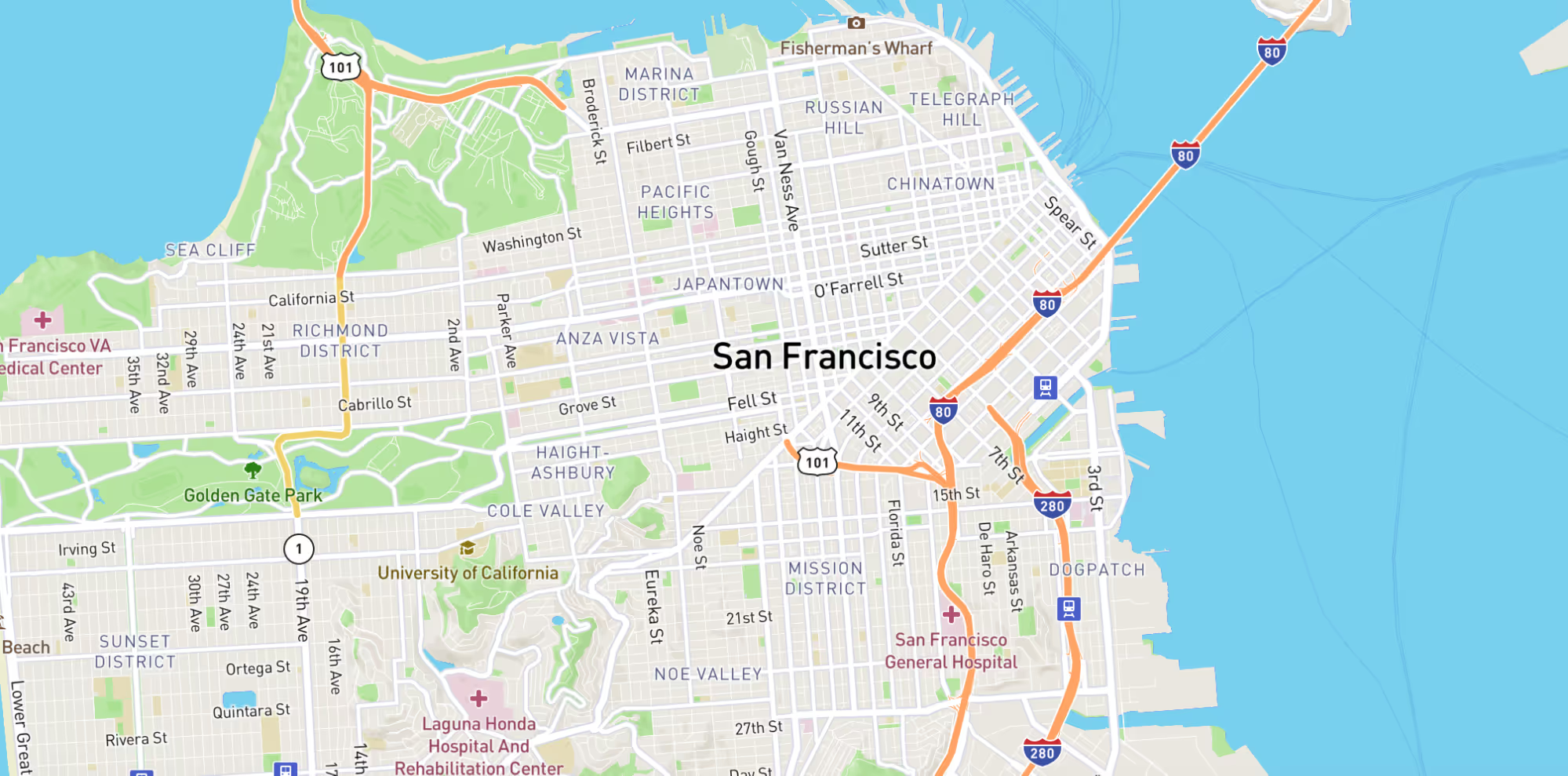
Mapbox is an advanced and flexible map service that can be integrated into mobile apps. Developers will have access to comprehensive location information to create and customize dynamic and static maps, thanks to the Mapbox tilesets. The styled maps can be embedded into web applications with the provided JavaScript library or into mobile apps with the respective iOS and Android SDKs.
The reviews on Mapbox have been encouraging amongst developers and business owners. While Mapbox isn’t entirely free, it has a generous free tier in its pricing packages that makes the service attractive for apps with a low volume of users.
Pros of Mapbox API
Free for up to 25,000 mobile users and 50,000 web loads. Mapbox offers a free usage tier that works well for startups, MVPs, and early-stage products. For apps with moderate traffic, this tier can cover initial growth without immediate cost pressure. It allows teams to validate a product idea before they commit to higher usage plans.
Well-organized documentation. Mapbox provides structured documentation with code samples, tutorials, and SDK references. For most common use cases, developers can find clear implementation steps. This reduces setup time and helps teams move from prototype to production faster.
Customization of maps is easy. One of Mapbox’s strongest points is design control. Developers can adjust colors, fonts, layers, and map elements to match the product’s brand. The Mapbox Studio tool allows teams to create custom styles instead of relying on a default map layout.
Visually-pleasant base map. Mapbox maps often stand out visually. The base styles feel modern and clean, which makes them popular in lifestyle, fitness, travel, and mobility apps. The design flexibility allows companies to build a more distinctive user interface.
Easy to integrate on web and mobile apps. Mapbox provides SDKs for iOS and Android, along with a JavaScript library for web projects. In most cases, teams can plug it into an existing app without a major rewrite. If the product already works with APIs, the setup usually feels familiar and manageable.
Cons of Mapbox API
Steep learning curve. Mapbox gives you a lot of control. That flexibility is great, but it also means there is more to understand at the start. Teams that want detailed styling or custom layers should expect to spend time getting comfortable with how everything fits together.
It’s not an entirely free service. There is a free tier, but it only goes so far. As traffic grows, usage costs grow with it. For apps that rely heavily on maps or navigation, expenses can increase quickly if they are not tracked.
Geared towards larger projects. Mapbox shines in products where maps play a central role. If you only need a simple map with a few markers, the full feature set may feel like more than you actually need. In those cases, a lighter solution might be easier to manage.
Who is Mapbox best suited for?
Mapbox is typically a strong fit for products where the map plays an active role in the user experience.
It works well for:
- Design-focused apps that need full visual control
- Products that rely on custom data layers, such as routes or tracking
- Startups and MVPs with moderate traffic
- Teams that want more flexibility in map styling
- Mobility, logistics, fitness, or travel platforms where maps are core to the product

OpenStreetMap API
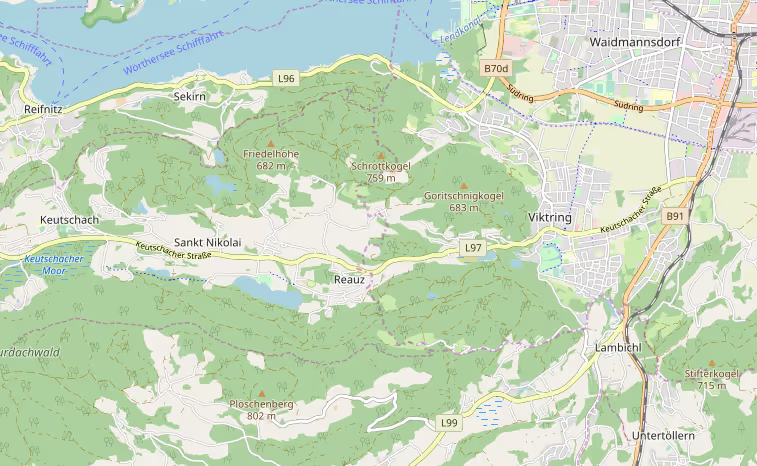
One of the Mapbox alternatives that is absolutely free is the OpenStreetMap API. It is an open-source project where volunteers across the globe contribute to creating routes, imagery, and other data for the map. The map service and database are made available to the public.
While OpenStreetMap is a free, open-source project, you can’t use the API to retrieve real-time routing data for commercial apps. The OpenStreetMap API is limited to providing vector data for map editing purposes only. This means you’ll still need to turn to services like Mapbox, which is based on OpenStreetMap, to query location data from your app.
Pros of OpenStreetMap API
Open-source database. You are not tied to a vendor. The data is public. If you want to download it and run your own setup, you can. That level of control is rare with commercial map providers.
The API is free. There is no license fee just to access the data. For internal tools, research projects, or early experiments, that matters.
Detailed map information on less popular locations. Because locals maintain the data, some smaller towns and non-commercial regions are mapped in great detail. In certain areas, it can even be more current than paid platforms.
Cons of OpenStreetMap API
It is meant for map-editing purposes. The public API exists to support the OpenStreetMap project itself. It was never meant to handle large-scale app traffic.
Excessive queries with the API will result in being blocked. If your app starts sending serious volume to the public servers, access may be limited. At that point, you either host your own infrastructure or move to a managed service.
Advanced features are not included. You will get limited usage as services like routing and map clustering are dependent on 3rd party APIs. You get only raw geographic data.
Incomplete documentation. Some parts are well explained. Other parts require digging through community pages or forums.
May not integrate well with other tools. Compared to plug-and-play APIs, OpenStreetMap usually means more setup decisions. Hosting, scaling, and supporting services fall on your team.
Who is OpenStreetMap best suited for?
- Projects that require free access to raw geographic data
- Academic, research, or non-commercial use
- Teams that want to self-host and control their own map infrastructure
- Products built on a custom map stack
- Companies that prioritize data ownership over managed services
Google Maps API
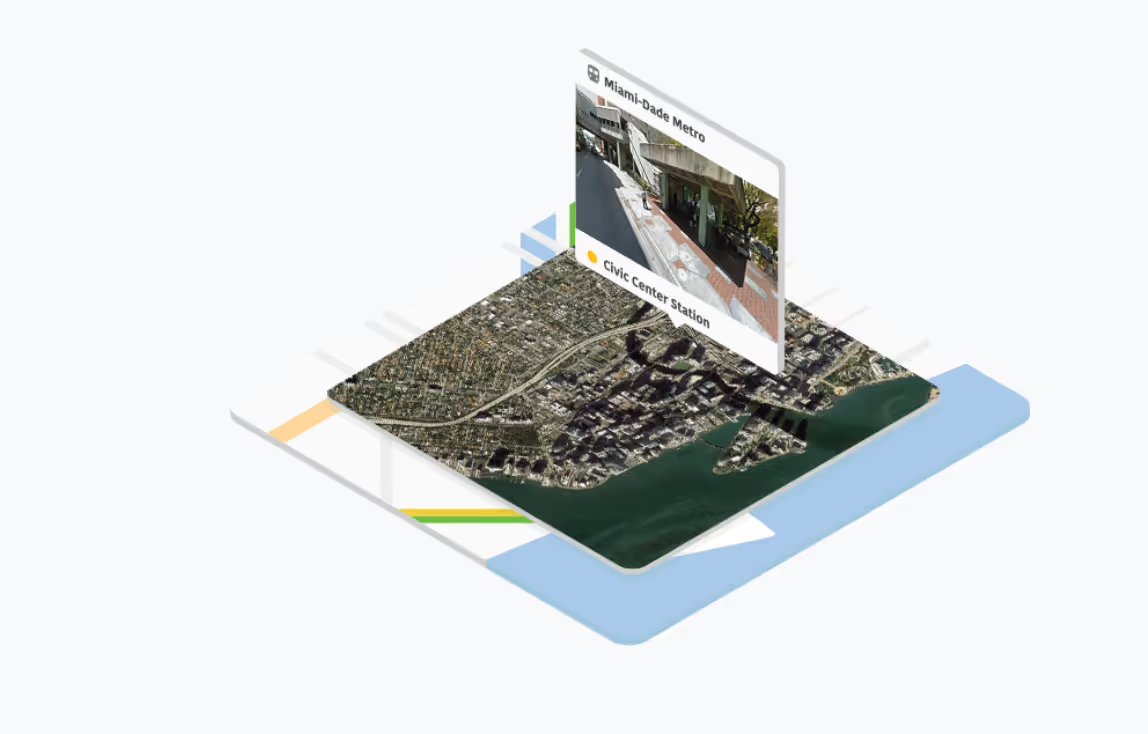
Google Maps is the most popular SDK for embedding a map into an application. It’s known for its huge database of places and decent routing. It has all the features of Google Maps for mobile app development: geocoding, routing, pictures, street view, and places information. That app is actually based on an SDK available for public use. This means that your users will be absolutely comfortable using a map from Google because they most likely are already familiar with it.
Map appearance is customizable via the website and can be implemented by the designer here (no developer's effort needed). Usage of the map itself is free, but you will have to pay for displaying places, their details, and directions.
Pros of Google Maps API
Free usage within monthly limits. Google provides a free usage allowance across its Maps Platform SKUs each month. Small projects can often operate within those limits before billing applies, though usage is now calculated per API rather than under a flat credit.
A rich database of places with all the information about them. Google’s biggest strength is its Places database. Businesses, landmarks, opening hours, reviews, photos, and ratings are deeply integrated. For apps that depend on location search or business listings, this ecosystem is hard to match.
Geocoding. Conversion of a location’s geographic coordinates into a human-readable street address and vice versa. It is reliable and globally consistent, which makes it useful for delivery apps, marketplaces, and booking platforms.
Street View. The Street View access allows apps to show real-world imagery of locations. For real estate, travel, or navigation apps, that visual context adds value.
Routing. Directions and route optimization are mature and accurate in most regions. Traffic data is also well integrated, which improves travel time estimates.
Decent visual customization. Map styling can be adjusted through Google’s styling tools. While not as flexible as Mapbox, designers can modify colors, visibility of elements, and overall appearance without deep engineering changes.
Cons of Google Maps API
Can feel heavy on initial load. On lower-end devices or complex screens, the first render of a dynamic map can cause a short performance dip. This depends on implementation and device capability.
Battery usage in real-time scenarios. Continuous GPS tracking, live traffic, and route updates consume energy. This is common across map SDKs, but it requires optimization in mobile apps.
Limited deep customization. Compared to Mapbox, Google Maps offers less control over map rendering, vector layers, and styling logic. Most customization stays within predefined options.
Costs increase at scale. High volumes of map loads, geocoding requests, or routing calls can significantly increase monthly costs. Large products need to be monitored carefully.
Who is Google Maps best suited for?
Google Maps is often the practical choice when reliability and global coverage matter more than deep visual customization.
It works well for:
- Apps that depend heavily on business listings and place search
- Products that need accurate global routing and traffic data
- Marketplaces, delivery, and booking platforms
- Teams that prefer a mature, well-documented SDK
- Companies that value user familiarity with the Google Maps interface
- Projects that need Street View integration

Our Verdict
At first glance, Mapbox often looks more attractive in terms of pricing flexibility and visual control. For teams that care about how the map feels inside the product, that can matter a lot. Still, switching is not always simple. Mapbox gives more control, but it also expects more from the team that implements it. Not every company wants to deal with that level of configuration.
For many apps, especially those with steady but not extreme traffic, Google Maps pricing is not necessarily a breaking point. It remains a dependable choice with wide global coverage and a massive places database. If a product depends heavily on search, business listings, or traffic-aware routing, Google’s ecosystem is hard to ignore.
At the same time, there is no universal winner here. Mapbox makes sense when design and custom layers are central to the experience. OpenStreetMap fits projects that value free access to raw data or prefer to control their own infrastructure.
In practice, the right decision usually comes down to what role the map plays in the product. If it is a utility feature, one option may be enough. If it is core to how the product works, the trade-offs deserve a closer look.
Need help choosing the right map API? At Uptech, we help teams evaluate their requirements, compare technical trade-offs, and select the mapping solution that makes sense for their app. From architecture planning to smooth SDK integration on iOS, Android, or web, we support the process end-to-end.
If you’re building a new product or considering a migration, let’s talk through your use case and define the right approach for your application. Contact us.